

Skip to content
All products

Scan documents to PDF on your phone

VNEXUS Scan

Snap. Straighten. Share a clean PDF.

VNEXUS Scan turns a phone into a document scanner. Take or import a photo of a paper document, drag four corners to straighten the page, brighten the paper and combine multiple pages into one PDF — all in the browser, with no app to install and no account to create.

VNEXUS Scan — Straighten pages shot at an angle
no app to install, no account
Browser
filters for common documents
4
or the exact image size
A4 · Letter
photos are not uploaded
On-device

How it flows

  1. 1Capture
  2. 2Crop 4 corners
  3. 3Filter
  4. 4Arrange pages
  5. 5Export PDF
01

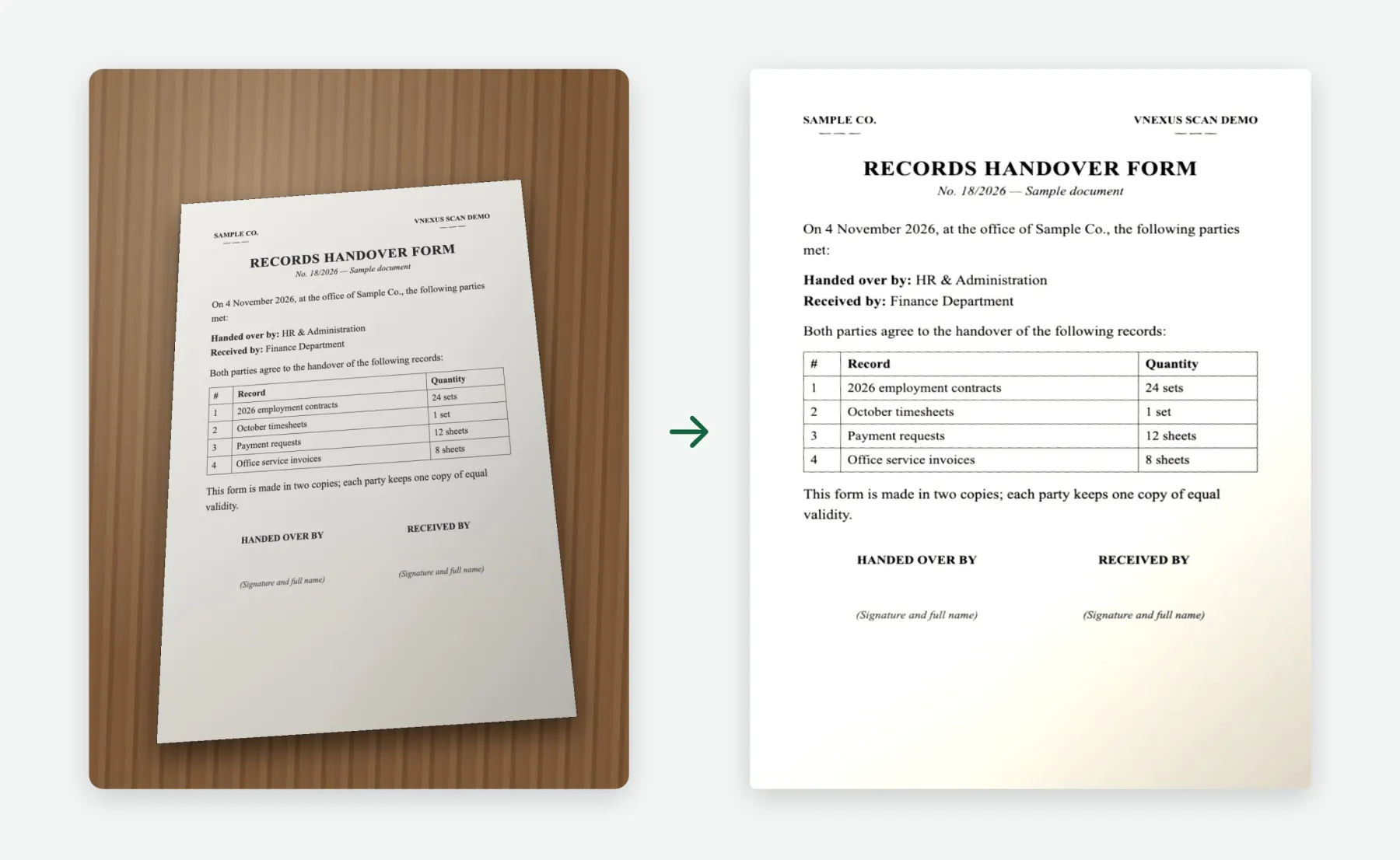
Straighten pages shot at an angle

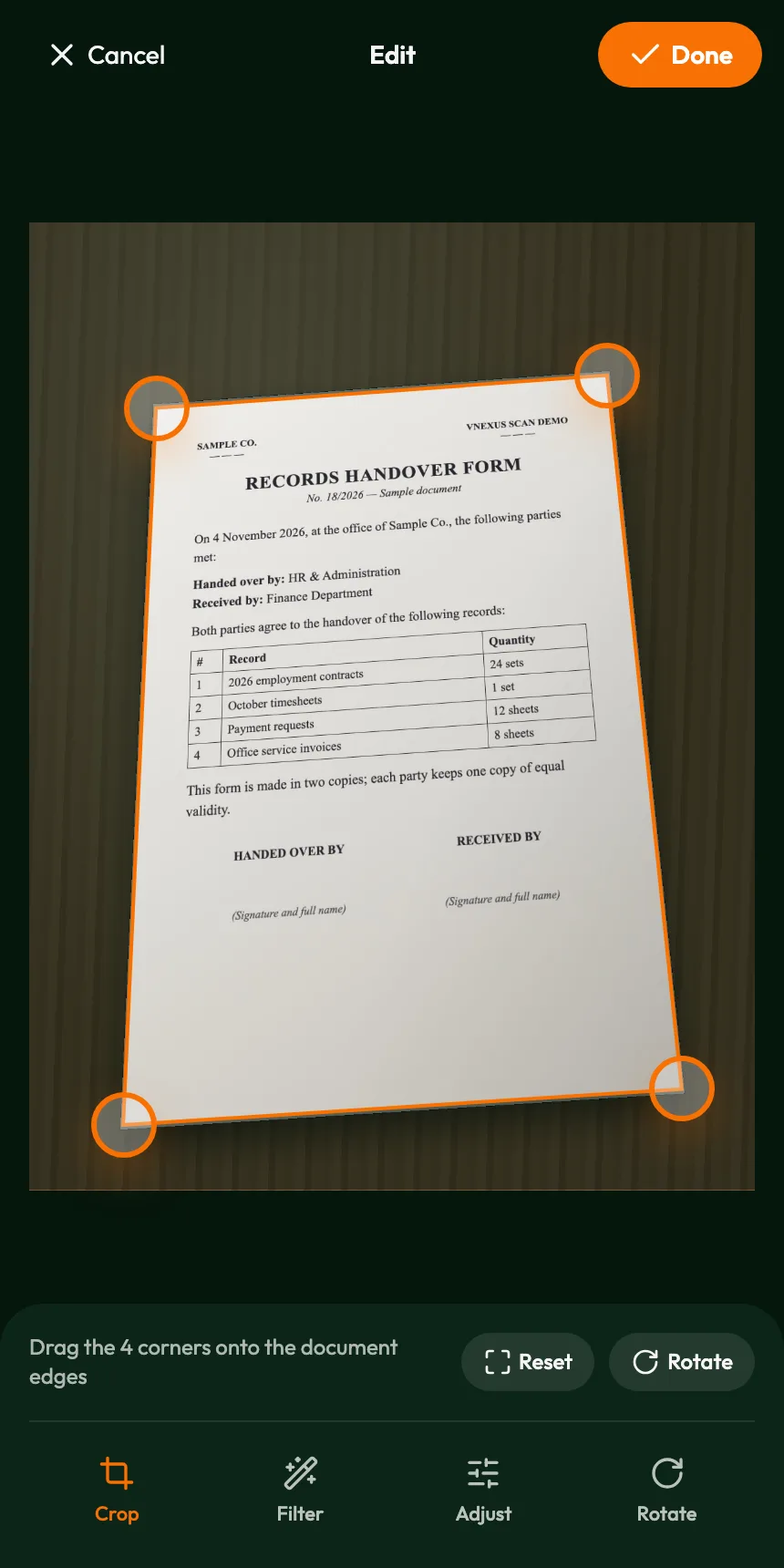
Phone photos are rarely square: the page is tilted, skewed by perspective and surrounded by whatever was underneath it. Drag the four orange corner handles onto the edges of the document and the app corrects the perspective, so the page comes out as if it had been placed on a flatbed scanner.

  • Rotate pages in 90-degree steps
  • Reset the crop at any time
Drag the four corners onto the document edges; everything outside the frame is removed.
02

Sharper text, cleaner paper

Four filters cover the most common kinds of documents: Magic whitens the paper and darkens the ink (the default for every new page), Original keeps colours for stamps, seals or colour images, Grayscale gives a toned copy that is easy to read and print, and B&W adds high contrast for typed text and forms.

  • Adjust brightness and contrast
  • The result updates as you move the sliders
The page after cropping with the Magic filter: bright paper, crisp text and tables.
03

Combine pages into one file

Capture pages one by one or import several images from the photo library at once. Pages are numbered in order; move them left or right, duplicate or delete them, or tap any page to edit it again.

Three pages scanned in one session, ready to be combined into a single PDF.
04

Export PDFs in the paper size you need

When the pages are ready, tap Create PDF to set the file name, page size and margins. The PDF downloads straight to the device; on phones that support it, Share opens the system share sheet to send it through messaging apps, email or cloud storage.

  • Page size: A4, Letter or the exact size of the image
  • Margins: none, small or large
  • File name suggested from the scan date and time, fully editable
One tap for a multi-page A4 PDF.

Who it's for

Office and administration teams

Digitize minutes, letters and handover forms for email or archiving.

Accountants

Collect invoices, receipts and payment requests into one file.

Staff on the road

Scan documents on the spot, without looking for a scanner.

Teachers and students

Capture assignments and study materials and send them as PDFs.

Individuals

Keep copies of IDs, contracts and warranty cards on the phone.

Screens

Private by design

Cropping, filtering and PDF creation all happen in the browser on the user's own device; photos are not uploaded to a server. No sign-in, and no documents are kept once the page is closed.

English or Vietnamese

The interface appears in English or Vietnamese according to the device language.

Current scope

The crop frame is set manually (no automatic edge detection yet). PDFs contain page images without OCR, so text cannot yet be searched or copied. Pages exist only in the current session and are exported at up to 2,000 px on the longest side.

The documents shown are sample papers created by VNEXUS for illustration and contain no real information. The input photos were computer-generated to simulate phone pictures; every processing step after that is the app's actual output.

Have a similar operational problem?

We can scope a product with you — or train your team to build it.

Other products

SmartMarket — Centralised management. Transparent operations. Connected shopping.

Smart market management platform

SmartMarket

Centralised management. Transparent operations. Connected shopping.

SmartMarket connects market authorities, market management boards, stallholders and residents on one platform — from floor plans, contracts and receivables to feedback handling and online orders.

See the product
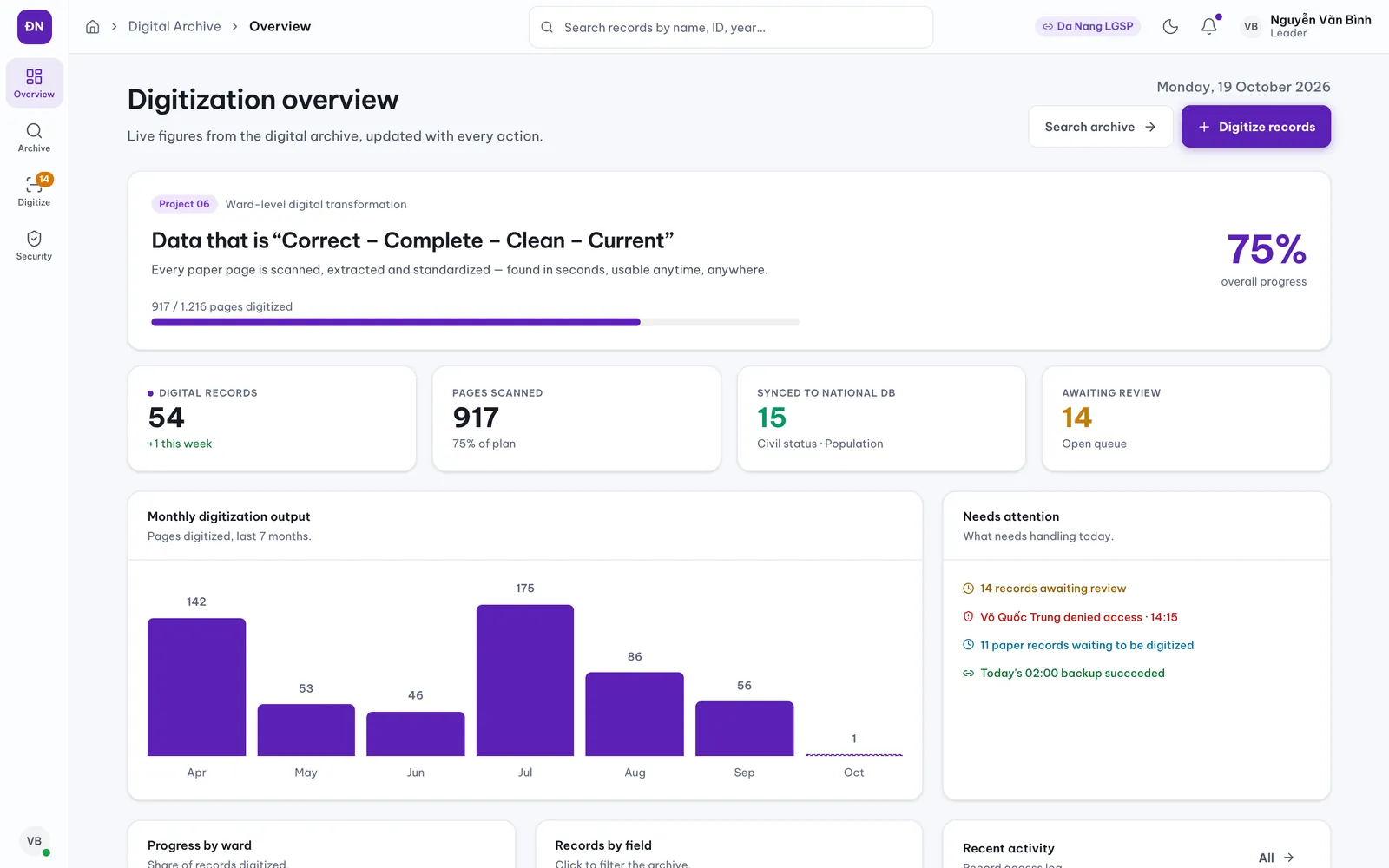
Digital Archive — Kho Lưu Trữ Số — From yellowed paper to searchable data in seconds.

Ward-level records digitisation

Digital Archive — Kho Lưu Trữ Số

From yellowed paper to searchable data in seconds.

A product demonstration exploring AI-assisted records digitisation: scan documents, use Vietnamese OCR to suggest fields, then review, search and track access. Government deployment and Project 06 participation have not been confirmed.

See the product
Highland Nails Hub — From the moment a guest walks in to a finished visit.

Nail salon operations

Highland Nails Hub

From the moment a guest walks in to a finished visit.

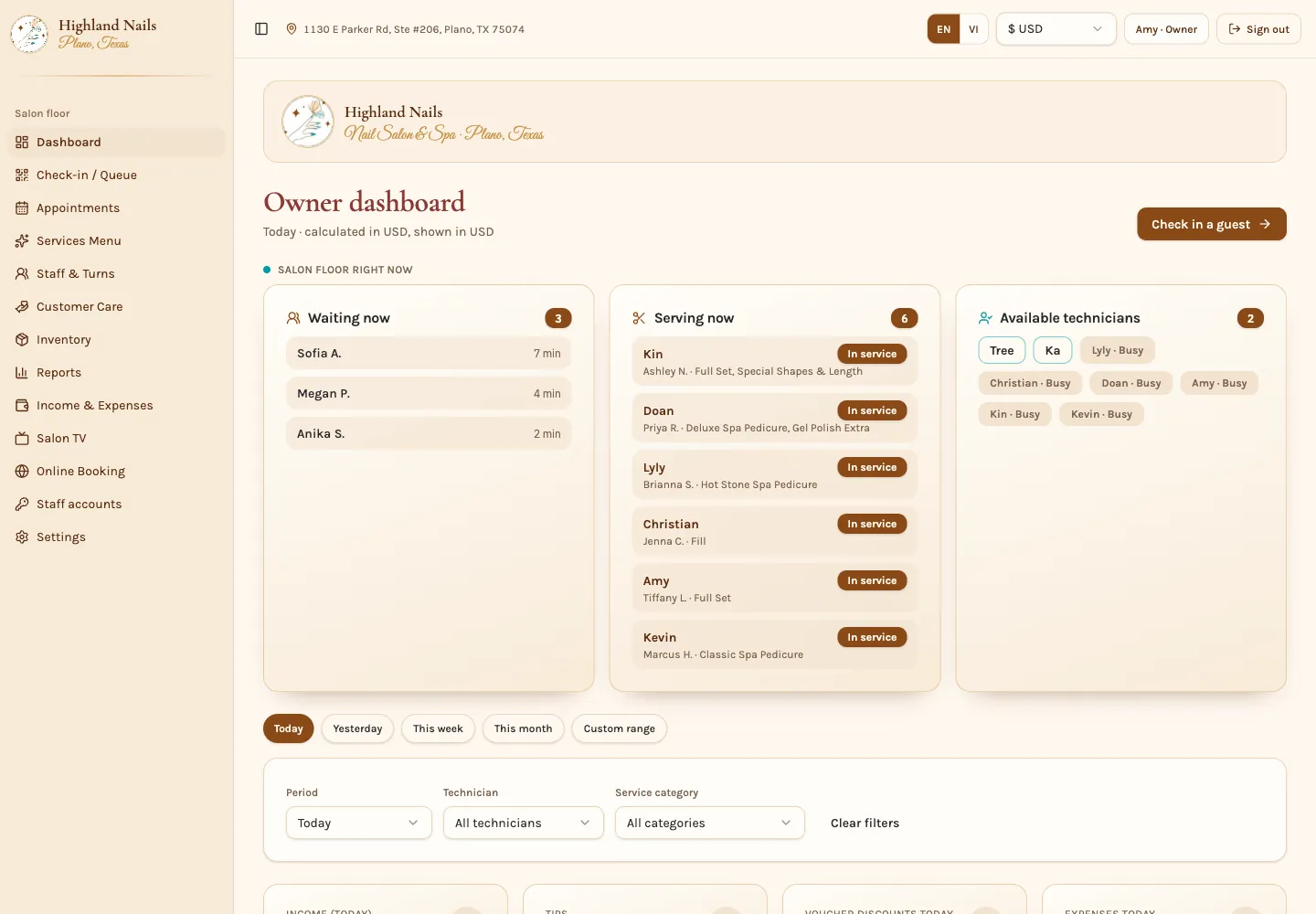
One place to track guests, appointments, technicians and takings for a nail salon — built around how a real salon runs: booking or walk-in, matching the right technician, service, checkout and review.

See the product
Haru — See the mouth shape. Hear real voices. Speak and get scored.

Learn Korean, built for Vietnamese learners

Haru

See the mouth shape. Hear real voices. Speak and get scored.

Haru (하루 — “one day”) is a Korean course that takes Vietnamese speakers from the Hangeul alphabet to intermediate grammar, with every explanation written in Vietnamese. Each lesson takes about 10 minutes and comes with romanization, male and female Korean audio, dialogue videos, speaking practice with pronunciation scoring and an automatic review schedule. Haru runs in the browser on phones and computers, with nothing to install.

See the product